Maintenance Tips for Portable Battery Pack to Maximize Lifespan
You rely on your portable battery pack to keep your devices powered up when you’re on the go. But have you ever wondered how to keep it working at its best for longer?
Taking a few simple steps to maintain your battery pack can save you from unexpected power failures and costly replacements. You’ll discover easy and effective maintenance tips that help maximize your battery’s life and performance. Keep reading to learn how to protect your investment and ensure your devices never run out of juice when you need them most.

Credit: voltx.com.au
Storage Tips
Store your portable battery pack in a cool, dry place. Avoid spots with high humidity or wetness to prevent damage. Extreme heat or cold can reduce battery life and cause malfunction. Do not leave the battery in direct sunlight or inside hot cars.
Keep the battery pack positioned upright or flat on a stable surface. Avoid placing it near metal objects that can cause short circuits. Proper placement helps maintain the battery’s internal components safe and secure.
Charging Practices
Unplug your portable battery pack as soon as it reaches full charge. Keeping it plugged in can cause overheating and reduce battery life.
Avoid overcharging and deep discharge. Letting the battery drain completely or stay full for too long can damage it. Try to keep the charge between 20% and 80% for best results.
Always use chargers and cables that match the battery pack’s specifications. Using incompatible chargers can lead to slow charging or harm the battery.
Cleaning And Handling
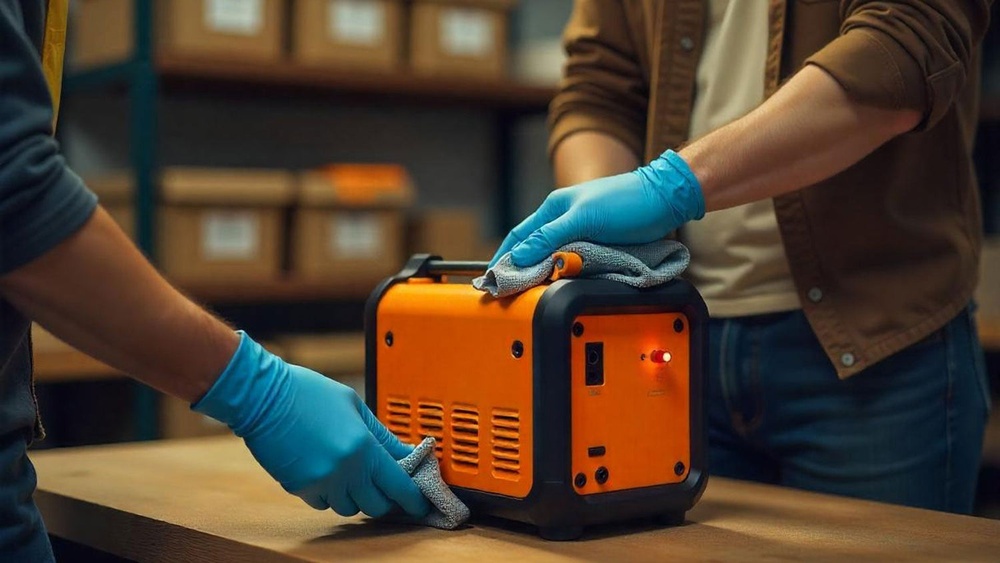
Use a soft, dry cloth to clean the portable battery pack. This method removes dust and dirt gently. Avoid using any liquids as they can damage the internal parts.
Do not use abrasive materials like steel wool or rough sponges. These can scratch or harm the surface. Keep the battery pack away from water or other fluids.
Handle the battery pack with care. Avoid dropping it or applying strong pressure. Rough handling may cause internal damage and reduce battery life.
Credit: www.pisenenergy.com
Usage Guidelines
Avoid using the portable battery pack in places with high heat or humidity. These conditions can damage the battery and lower its life. Store the battery pack in a cool, dry place to keep it safe.
Do not overload the battery pack by connecting too many devices at once. Overloading can cause the battery to overheat or stop working. Check the maximum output of your battery and use it within limits.
Monitor battery levels regularly to avoid full discharge or overcharging. Charging the battery before it gets too low helps maintain its health. Use the battery pack often but avoid letting it sit unused for long periods.
Troubleshooting Common Issues
Resetting a non-charging battery pack can often fix simple glitches. Locate the reset button, usually a small hole. Use a paperclip to press and hold it for 10 seconds. This may restart the battery’s system and restore charging.
Identifying faulty cables or ports is important. Check cables for any visible damage or frayed ends. Try using a different cable to see if the issue continues. Inspect the charging port for dirt or debris and gently clean it with a soft brush or toothpick. A loose or damaged port may cause charging problems.
When to seek professional repair: If the battery pack still does not charge after resets and cable checks, it might need expert help. Avoid opening the device yourself as this can cause more damage or void warranties. Contact a trusted technician or the manufacturer’s support for safe repairs.
Credit: www.pisen.us
Routine Maintenance
Regularly inspect your portable battery pack for any physical damage. Look for cracks, dents, or loose parts. Such damage can affect safety and performance. Avoid using the pack if it looks broken.
Test the battery performance every few months. Charge it fully, then use it to check how long it lasts. If the battery drains too fast, it might need replacement or servicing.
Some battery packs have firmware that controls charging and power management. Check the manufacturer’s website for updates. Installing updates can improve efficiency and fix bugs. Follow instructions carefully when updating.
Frequently Asked Questions
How To Maintain A Portable Battery?
Store the portable battery in a cool, dry place. Avoid extreme temperatures and overcharging. Charge regularly but unplug when full. Clean gently without liquids. Use the correct charger to extend battery life.
What Is The 30 90 Rule For Battery?
The 30-90 rule means keeping your battery charged between 30% and 90% to extend its lifespan and maintain performance.
Should I Always Charge My Powerbank To 100%?
Charging your power bank to 100% is fine but avoid keeping it plugged in constantly. Unplug after full charge to prevent overheating and prolong battery life.
How To Keep Your Powerbank Healthy?
Store your power bank in a cool, dry place away from extreme temperatures. Avoid overcharging and unplug it once fully charged. Use the original charger and keep it clean without moisture exposure. Charge it regularly to maintain battery health.
Conclusion
Proper care keeps your portable battery pack working longer. Store it in a cool, dry place away from heat. Avoid overcharging and unplug once fully charged. Clean gently without liquids or rough materials. Regular maintenance ensures reliable power on the go.
Small steps protect your investment and save money. Follow these tips to enjoy your power bank daily. Simple habits make a big difference in battery life. Stay powered up, ready for whatever comes next.

I am an outdoor enthusiast and gear researcher passionate about camping, hiking, backpacking, and outdoor adventures. I enjoy testing gear, comparing products, and sharing practical advice to help readers make informed decisions. At BestOutsideGear, I create honest gear reviews, buying guides, and outdoor tips to help adventurers choose the right equipment with confidence.